Microsoft Project 2024 Pro

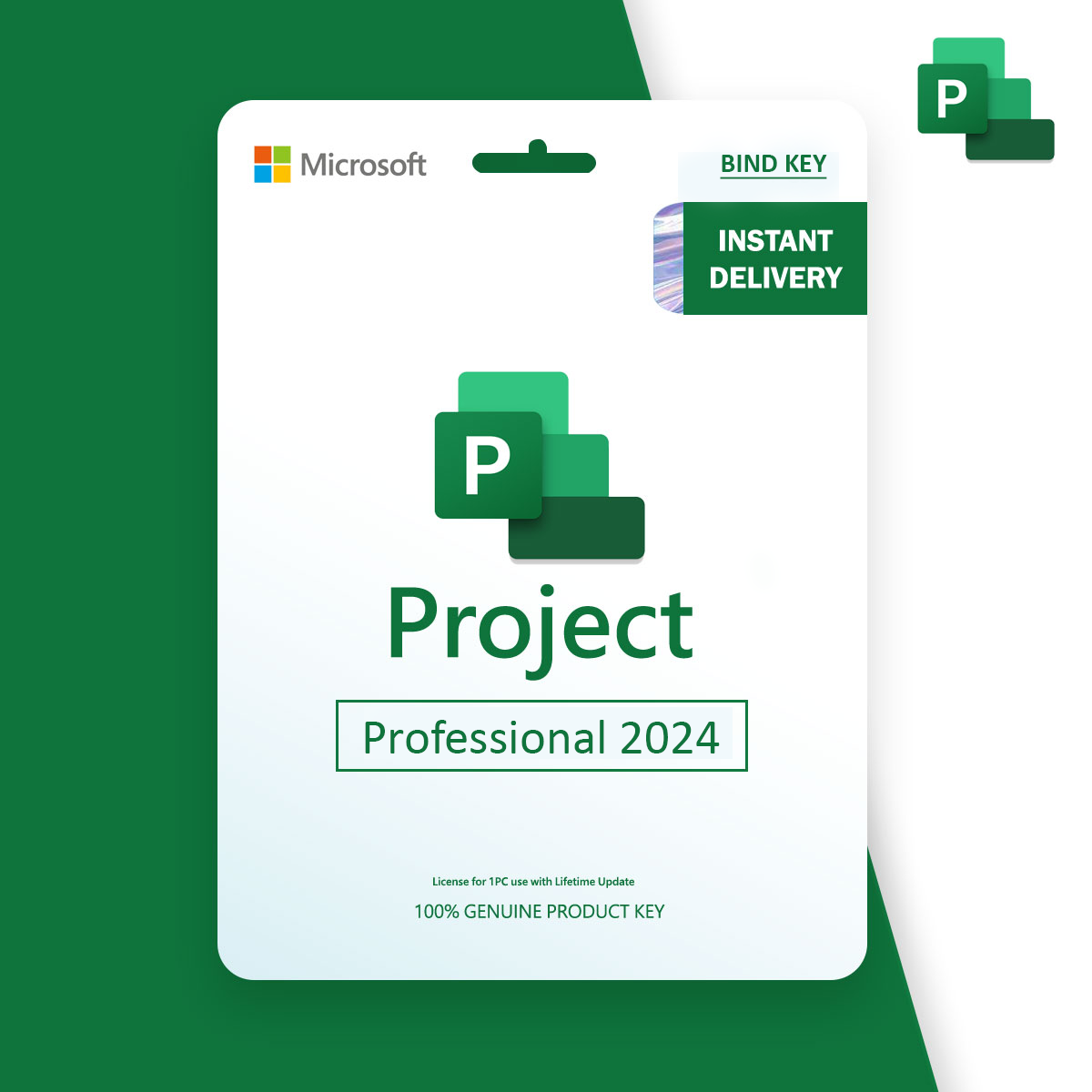
Download Microsoft Project 2024 Professional for advanced project management and planning. This is a retail lifetime license bound to your Microsoft account email, valid for 1 Windows PC, with no subscription required.

$30.00

27 in stock

27 in stock

18 People watching this product now!
  • Instant delivery

Get your product immediately after your secure payment is done.

Free

  • Full Guaranteed

Feel confident with our product guarantee.

Free

  • Warranty 1 year
  • Free 30-Day returns

Payment Methods:

Description

Microsoft Project 2024 Pro Bind

Original and Guaranteed Licensed by LaStoriaLicense.com

  • Language: Multilingual
  • Number of Devices: 1 PC
  • Reinstall-ability: Yes, it can be reused after format 
  • Operating System: Windows
  • License Duration: Lifetime (No expiry date)

Microsoft Visio 2024 Professional – Bind License (Email-Linked Activation)

Microsoft Project 2024 Professional is a powerful project management software designed for professionals who need advanced tools to plan, execute, and monitor projects efficiently. Whether you're managing small tasks or complex workflows, Project 2024 offers intuitive scheduling, Gantt charts, resource allocation, and real-time collaboration features.

This is a Bind License, meaning it is permanently linked to your Microsoft account email. It can be activated on 1 Windows PC and provides lifetime access without any monthly or yearly subscription—making it a reliable and cost-effective solution for business and enterprise users.

Upgrade to Microsoft Project 2024 Professional and take full control of your project timelines, resources, and budgets with ease and precision.


Why Are Our Licenses Offered at a Lower Price?​

Our licenses are authentic retail versions that have been previously owned and discontinued, allowing us to offer them to you at a significantly lower price. Rest assured, these official licenses are fully compliant and come with a price guarantee, providing you with the best deal on the market.

How to activate from A to Z:

After the payment is done successfully, you will receive the activation code by your email with a office 2019 Pro Plus direct download link.

      1. Open the download link (it will start downloading directly)
      2. After downloading is done, Open the file and install the office 2019 Pro Plus
      3. After installation is completed, open any office program (Word, Excel, PowerPoint...)
      4. Enter the activation license key
      5. Choose activate by online
      6. Press next, and congratulations! its done.

Customer Reviews

0 reviews
0
0
0
0
0

There are no reviews yet.

Be the first to review “Microsoft Project 2024 Pro”

Your email address will not be published. Required fields are marked *

1 2 3 4 5
1 2 3 4 5
1 2 3 4 5